TikTok Shop & Affiliate Commerce
TikTok Shop Product Page Optimization So Creator Traffic Converts
A creator can send thousands of viewers to your product and still produce few orders if the page they land on is confusing. Creator content earns the click; the product page earns the order. This guide gives a practical checklist for the title, images, variants, price and voucher clarity, reviews and consistency with the video, followed by an audit you can run before every campaign. It does not promise conversion lifts, because results depend on product, price and audience, and TikTok Shop changes its listing tools over time.
Short answer
How do you optimize a TikTok Shop product page for creator traffic?
Make the page match the promise of the video: a clear title with the words buyers use, a first image that shows the product in use, simple variants, a visible final price and voucher, honest reviews and claims that match what the creator said. Audit the page before sending traffic.
- Title: plain words buyers actually search, product type first
- First image: product clearly visible, matches the video
- Variants: clear names, correct stock, easy to choose
- Price and voucher: final price obvious, no surprise at checkout
- Reviews: collected honestly from real buyers
- Claims: page and video must say the same thing
- Run a page audit before every creator campaign
1. Why does creator traffic fail on weak product pages?
Viewers who click from a creator video are interested but not yet convinced. If the page looks different from the video, hides the price or asks them to guess a variant, they leave. The creator then looks like the problem when the page was.
Before you pay for more content, check whether the page can convert the traffic you already get.
2. How do you write a title buyers can find and understand?
Start with the product type in the words a buyer would type, then add the key attribute such as size, use or main ingredient or material. Avoid stuffing unrelated keywords and avoid claims you cannot support.
Read the title aloud. If a stranger cannot say what the product is and who it is for, rewrite it. Keep the language of the page the language of your buyers, which for Vietnam is Vietnamese.
3. What should the first image show?
The first image is the one most viewers see in a list and on arrival. It should show the product clearly, in focus and on a clean background or in real use, and it should look like the product in the creator video.
Follow the platform rules for image content and quality in the seller help pages, and avoid text or badges that make the product hard to see.
4. How do variants affect conversion?
Variants such as size, shade or bundle should have clear names, correct stock and an image for each where possible. A buyer who cannot tell which option the creator used will often abandon the order.
If the creator promotes one specific option, point the link to the matching product or make that option the default, and tell the creator which option to name.
5. How should price and vouchers be shown?
The buyer should see the real price they will pay, including any voucher that applies, before the checkout step. Surprises at checkout, such as a voucher that is not applied or a shipping fee that appears late, destroy trust.
Agree with creators on the exact offer and period, and make sure the page shows the same offer. Update the page when the offer ends so the video does not promise an expired deal.
6. What role do reviews play, and how do you handle them honestly?
Reviews reassure hesitant buyers, especially for products they cannot touch. Encourage real buyers to review through good packaging, a gentle follow-up and a good experience, and respond to complaints in public.
Do not buy or fake reviews. Platform rules on review manipulation exist, and fake reviews also break consumer trust and can create legal and account risk.
7. How do you keep the video claim and the page consistent?
If the video says a product is suitable for a certain use, the page should say the same thing in similar words, and neither should promise results you cannot prove. Mismatches cause returns, bad reviews and disputes about what was promised.
Give creators a short approved-claims sheet and update the page from the same sheet, so both stay aligned.
8. What should the description and supporting images cover?
Use the description and later images to answer the questions buyers ask: what is in the box, how to use it, size or capacity, who it suits and how delivery and returns work. Use plain language and short blocks rather than long paragraphs.
A simple size or use image often does more than another lifestyle photo.
9. How do you run a pre-campaign page audit?
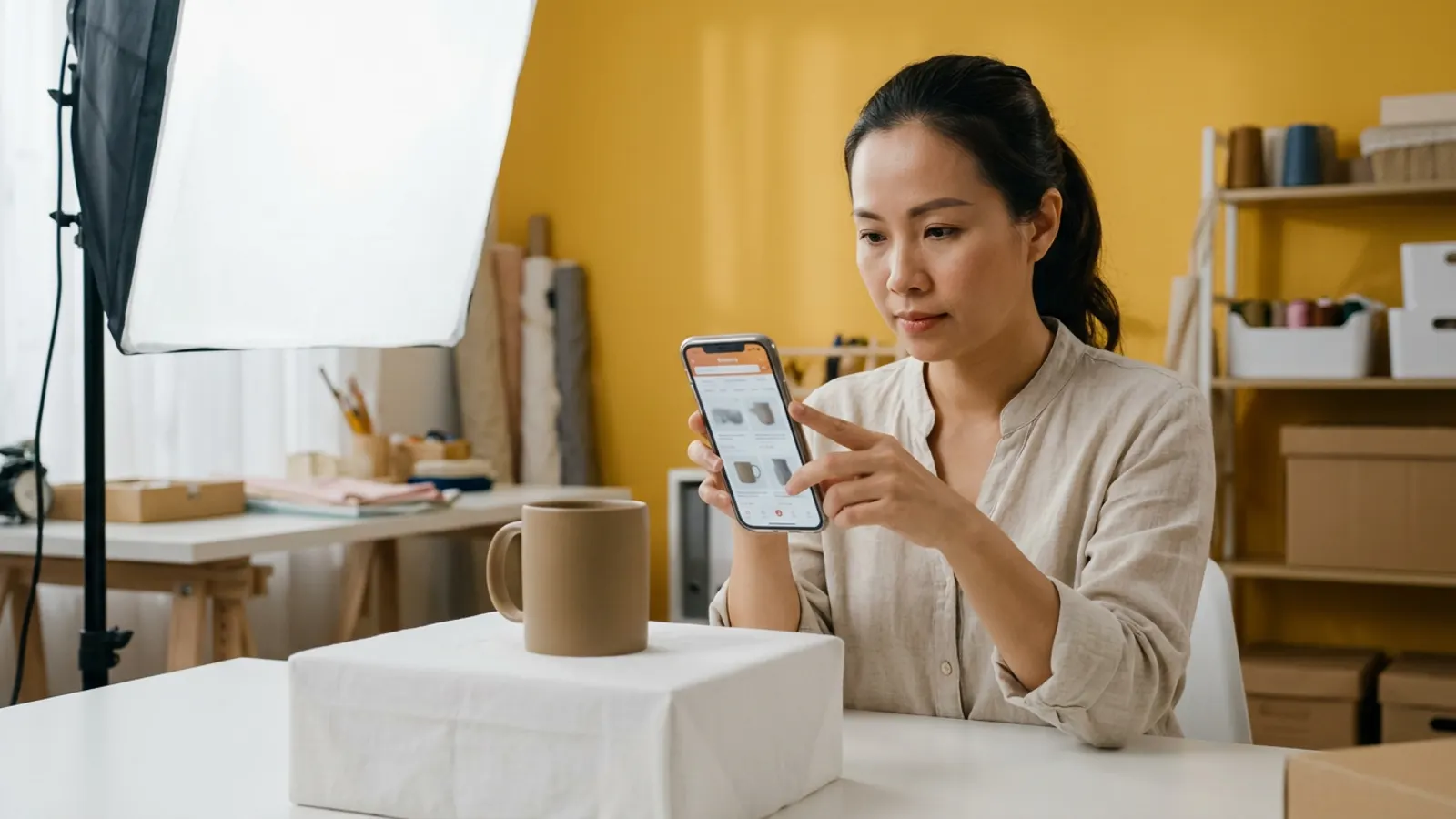
Open the page on a phone as a buyer would. Check that the title is clear, the first image matches the video, every variant works and has stock, the voucher shows, the price is correct and the claims match the brief. Then place a test order path as far as the platform allows.
Record the result in a short checklist and fix gaps before the creator posts. Repeat after any price or stock change.
10. How do you measure whether page changes worked?
Change one thing at a time where possible and compare completed orders per visit over a fixed period, not just views. Watch return reasons and review comments, because they often tell you which part of the page confused buyers.
Use net figures when judging a result, so a rise in orders that later return does not look like a win.
11. A short checklist to keep
Clear title, matching first image, simple variants, visible final price and voucher, honest reviews, consistent claims, tested on a phone, rechecked after every change. Share it with the team that lists products and with the agency that briefs creators.
Good creators bring attention; a clear page lets that attention turn into orders.
FAQ
Frequently asked questions
Should I fix the product page before booking creators?
Yes. Check the page first, because weak pages waste paid creator content. A short audit takes less time than a reshoot.
How many images should a product page have?
Enough to show the product, its use, size and what is included. Quality and clarity matter more than a fixed number, so follow the platform listing guidance.
Can I ask creators to review the page?
Yes. A creator who opens the page as a buyer often spots confusing variants or price details that your team no longer notices.
Is it acceptable to seed reviews?
Only honest ones from real buyers. Buying or faking reviews breaks platform rules and consumer trust.
How often should I audit the page?
Before each campaign and after any change to price, stock, variants or voucher.