


1Check what is includedReview all images, file types and software requirements.
2Complete checkoutUse an email address you can access after purchase.
3Download and createFollow the download instructions supplied with your order.
Before you buy
A smooth digital-download experience starts with the details.
Every listing can contain different file formats and compatibility requirements. The product description is the source of truth for exactly what is included.
- This is a digital item; no physical package is mailed.
- Confirm that the listed file type works with your device or app.
- Read the usage or licensing notes before using creative assets commercially.
- Keep your order email so support can locate your purchase quickly.
How do I receive my files?
After successful checkout, follow the digital-delivery instructions provided with the order. Delivery method can depend on the download app configured for the store.
Will anything be shipped to me?
No. Products in this store are digital downloads unless a listing explicitly states otherwise.
Which apps or devices are supported?
Compatibility differs by product. Check the listing description for formats such as PDF, GoodNotes, Canva, SVG, PNG, DXF, EPS or spreadsheet files.
Can I request help after purchase?
Yes. Use the Contact page and include your order number, product name and the issue you are seeing.
Keep exploring
More digital tools you may love
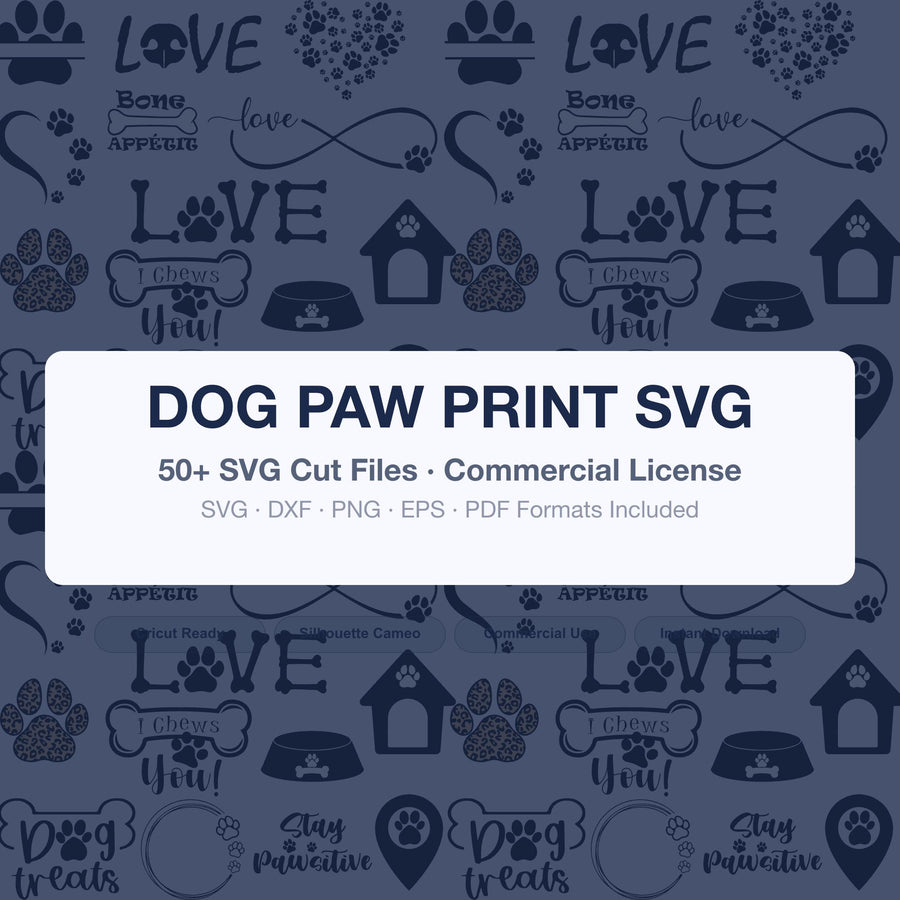
Dog Paw Print SVG | Paw Svg Bundle for Cricut & Silhouette | Pet Paw Clipart Png Dxf Eps | Dog Lover Cut Files Download
$2.99

15 Professions SVG Bundle Silhouette | Career Job PNG Cut Files for Cricut | Community Helper Clipart | Doctor Firefighter Teacher SVG
$4.99
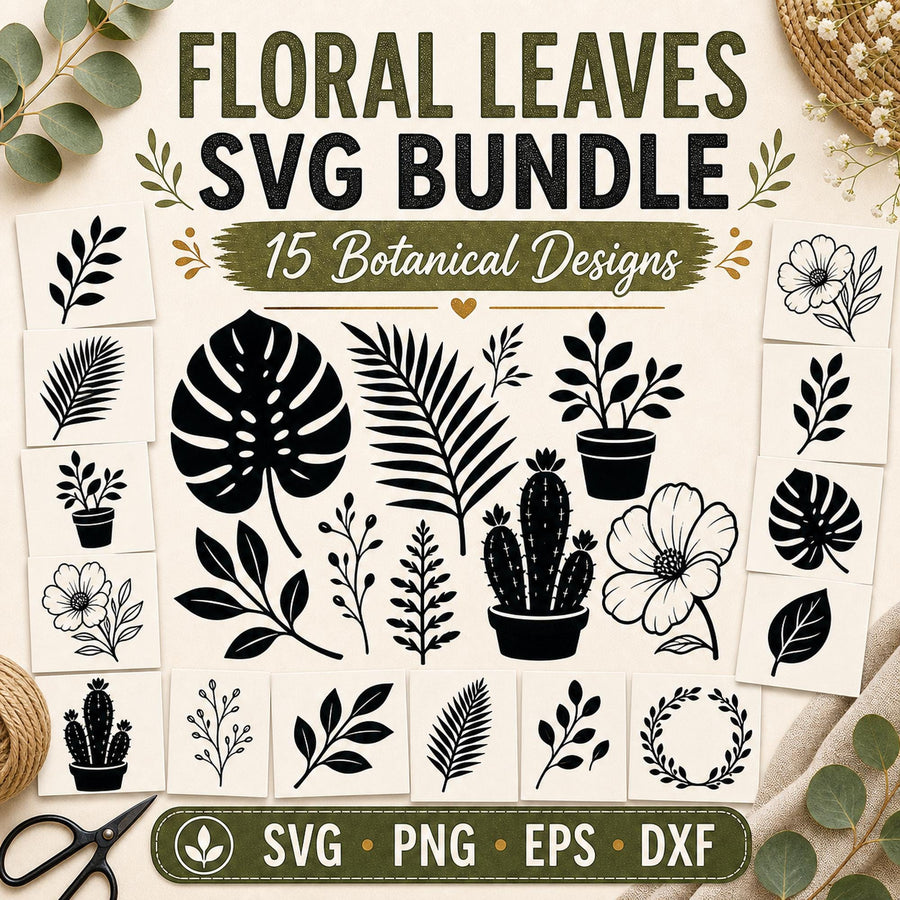
15 Floral Leaves Silhouette SVG Bundle | Botanical Plant Cut Files for Cricut | Monstera Leaf SVG | Commercial Use Clipart
$4.99
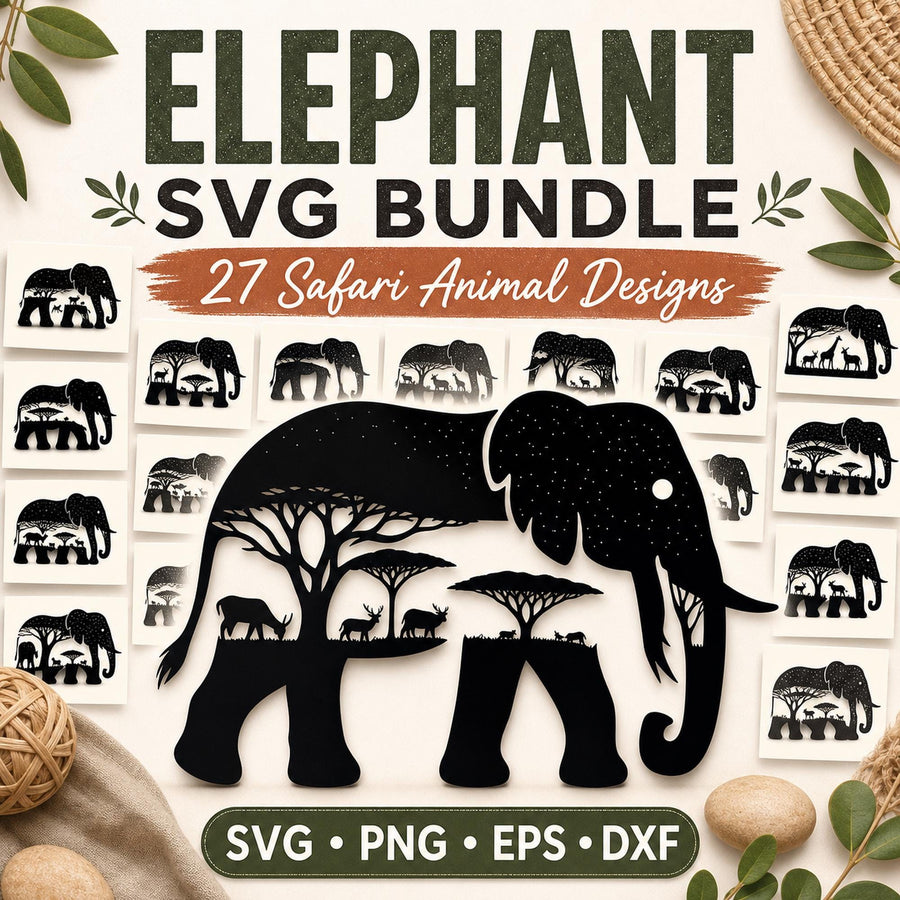
27 Elephant SVG Bundle | Safari Animal Scene SVG | Elephant Silhouette Cricut Files | Jungle Animals Clipart
$4.99